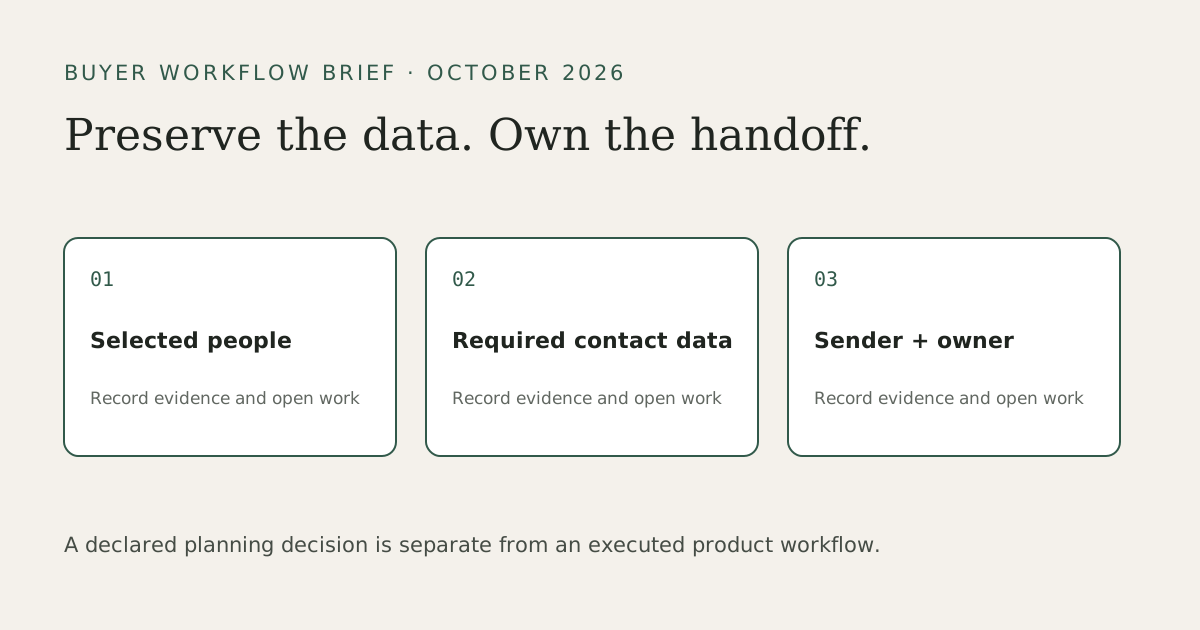
Start with the output and the next action
Waalaxy and Kaspr overlap in sourcing, but their strongest jobs differ. A sales operator may need a selected audience, contact values for calling or email, a LinkedIn campaign, and a record of who owns the conversation. A useful comparison treats each requirement separately. A larger profile file can help a membership gap; it cannot fill a missing mandatory phone number merely by containing more people.
Write the intended channel first. For a calling job, define the phone value and evidence your team accepts. For LinkedIn research, a person URL, current role and company may be enough. For a campaign, include sender identity, existing conversations, suppression and reply ownership. Those requirements determine whether to keep Kaspr, use Waalaxy, pair them, or evaluate a different LinkedIn workspace.
Kaspr includes bulk sources and a native workspace
Kaspr’s getting-started documentation covers individual contact reveal and bulk enrichment from posts, groups, events and lists. Saved leads live in a workspace; users can organise lists, track interactions and export available data to CSV, Excel or a CRM integration. Calling integrations are also documented. A dedicated sales CRM may still be needed, but a blanket “no management” description misses this existing workflow.
Keep contact requirements explicit. Revealing a phone number, finding a business email and exporting an enriched profile use different pools. The plan Help page lists Free allowances of five phone, five direct-email and ten export credits monthly; its unlimited B2B email condition involves inviting three colleagues. Kaspr’s pricing page contains conflicting Free figures, so these are attributed Help references rather than a promise about every account. Inspect the selected account entitlement.
For paid contact-data budgeting, Kaspr Help lists Starter at €59 per licence monthly and Business at €99. It shows €45 and €79 respectively as monthly equivalents under annual billing. Retain the billing commitment, contact pools and export allowance in your quote; these are contact-data plan references, not a price for the same output as a LinkedIn campaign plan.
Paid base-credit rollover differs from Free reset and recurring add-on rules. Add-on credits do not roll over, and cancellation changes unused-credit availability. The old argument that all unused Kaspr credits disappear monthly is too broad. A quote must name the pool, billing period and licence count, then explain how your actual workload consumes those units.
Compare the whole required workflow
| Decision | Kaspr | Waalaxy | Leadsforlinked |
|---|---|---|---|
| Selected people | Profile lookup and documented bulk enrichment sources | Native cloud imports from searches, network, groups, events and posts | Published manual sources and saved audiences; review actual membership |
| Mandatory phone/email | Contact enrichment with separate pools and gaps | Professional Email Finder is a separate operation | Profile sample does not establish verified-contact parity |
| LinkedIn sending | Evaluate its specific workflow against the requirement | LinkedIn sequences; Business also supports email sending | Campaigns/inbox from Starter |
| Receiving workspace | Native lists/dashboard plus supported CRM exports | Lists, campaign context and documented exports | Kanban/analytics from Starter; external CRM mapping reviewed separately |
| Billing question | Contact and export pools, base versus add-ons, licences | Selected term/account licences plus Email Finder resource | Profile input or selected workflow plan; Free is a data sample |
Waalaxy’s current import guide documents standard searches, connections, single profiles, members of groups you belong to and event attendees. Post reactors and commenters are imported separately using a post URL. These native routes may already supply your chosen audience. Comparing a claimed “four or five” methods against “eight” does not establish a usable difference.
The relevant test is a particular missing membership or receiving field. Preserve the approved list if it fits. If a required account-role group is absent, record that gap and the source that can reach it. Engagement or an event source supplies context for review; it does not demonstrate that each person is a buyer.
Resolve the identifier before a CSV enrichment handoff
Kaspr’s CSV enrichment guide asks for standard person-profile URLs, excludes Sales Navigator URLs and discourages an opaque ACw example. It recommends three or fewer columns and permits optional name mapping. Contact enrichment and later export charges remain distinct. A profile-shaped URL alone does not prove identity, mandatory contact coverage or destination acceptance.
If the selected audience is already in Sales Navigator, review Kaspr’s native extension/workflow route first. That route may remove an unnecessary extraction-and-reimport step. For an existing CSV, use the local CSV checker to review actual URL shapes, row widths and repeated observations. Keep originals and resolve held identities rather than fabricate public URLs from opaque IDs.
Before placing the result into a sender, confirm the approved subset, field mapping and conversation owner. An export does not cancel the old campaign or transfer its live state. Use the Waalaxy import handoff guide and export-context guide when those are the actual receiving jobs.
Build your source-to-workspace handoff brief
Start with the actual list and receiving requirement. These controls record your declarations and keep unresolved work visible. They do not check an account or enrich a person.
The JSON saves the entered requirements and conditional decisions, including open gaps. It is a planning record, not a provider import or a successful handoff.
Download the blank handoff worksheet. Keep a separate quote reference for every retained supplier. Save unresolved requirements as open work; the brief deliberately keeps a contact-data hold separate from a conditional LinkedIn plan fit.
Choose from the job that remains
Keep Kaspr when the mandatory contact-data work and its native source/export route fit. Keep Waalaxy when its source import, sequence and receiving workflow already complete the LinkedIn job. Pair routes when both data and sending are needed, with one owner for the handoff. Review a different workspace when a concrete campaign, inbox, pipeline or automation requirement remains uncovered.
Waalaxy pricing displays Pro, Advanced and Business amounts with billing selectors. Its current plans Help says Freemium retains data and allows CSV import while automation is unavailable. The trial/renewal terms and a monthly Business reference differ from a discounted displayed amount; confirm currency, selected term and licences before treating a price as monthly billing. Do not use the old “80 free invitations” claim as a current entitlement.
Choose the Leadsforlinked job and plan
Leadsforlinked publishes a platform for finding people, reaching them, managing conversations and automating selected work. Basic at €4.99 monthly covers extraction, CSV and audiences. Starter at €29 monthly adds one connected LinkedIn account, multi-step campaigns, inbox, Kanban and analytics. Diamond Pro at €79 adds scheduled sourcing, scoring, AI Hunter and AI Responder. Diamond Plus at €149 adds Signal Radar, Post Spy and three connected accounts, inheriting the earlier features.
A ready buyer can review the published plans and use the existing signup/billing route directly. Free sample consumption and a pack purchase are optional. Choose the missing job before comparing subscriptions: an external CRM connector requirement is different from a LinkedIn Kanban, and AI email drafting is different from LinkedIn sourcing or reply handling.
When an existing native source cannot provide the required profile audience, the free entry offers 100 signup profile leads, no card, released in batches of 20. Verify the account, select the supported source, inspect the first released batch and export from the app audience. Review actual identities, current role/company fit, suppression and the columns the receiver needs. Count the remaining accepted-profile job before buying more extraction. That sample evaluates source data; paid campaign and AI features have their own plan gates.
What supports this comparison
Vendor documents above were checked on 13 October 2026. The LinkedIn-source guides show their July 2026 cloud workflow. Kaspr’s older getting-started page remains current public documentation; it does not prove every feature was newly launched this year. No accounts, contact reveals or campaigns were executed for this article.
A 2026 buyer discussion describes conflicting automation comparisons and a product that differs from the page read. That supports checking the current job and documents, not a market ranking or performance claim. Its exact publication day is unclear across retrieval surfaces.
Frequently asked questions
Is Waalaxy or Kaspr better for my LinkedIn job?
Choose from the required output and action. Kaspr can cover contact enrichment and native sources; Waalaxy can cover native imports and sequences. Retain a route that already meets the job, and review contact data, sending and ownership separately.
Can I use Waalaxy and Kaspr together?
A data route and a LinkedIn sender can be complementary. Confirm identifiers, mandatory fields, the approved subset and conversation ownership before handing data between workspaces; exporting rows does not transfer live campaign state.
Can Leadsforlinked replace mandatory phone or email enrichment?
A profile audience does not establish verified-contact parity. Keep a suitable contact-data route when phone or email is mandatory. Leadsforlinked’s published campaign, inbox and Kanban scope starts at Starter.
What does the free Leadsforlinked sample test?
The published allowance is 100 signup profile leads, no card, released in batches of 20. Inspect the actual app-audience CSV for source, identity and field fit. It does not unlock or demonstrate paid campaigns or AI features.
Does Waalaxy require Sales Navigator?
Its official cloud import guide includes standard LinkedIn searches. Sales Navigator is therefore not a universal prerequisite for that route. Check the source access and identifiers required by the specific job.