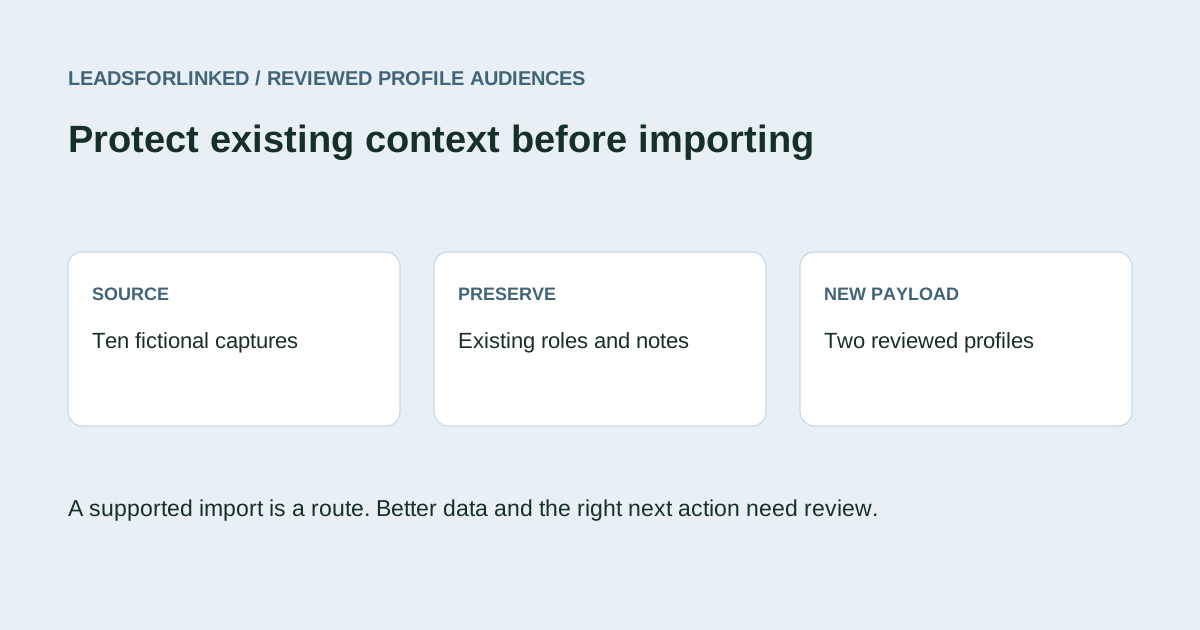
An external audience file can add useful people to Waalaxy, but an import can also change records your team already understands. A newer role, a manual note or a carefully prepared message angle deserves more attention than the incoming row count. The job is to deliver reviewed new profiles and preserve a separate decision trail for existing prospects.
This guide handles the input and preservation decision. For retaining list, conversation and campaign evidence before changing tools, use the existing Waalaxy export handoff guide. An import payload does not restore campaign progress or restart an existing conversation.
Check whether a native source already completes the job
Waalaxy's current LinkedIn import help covers search, profile, network, group and event inputs. If its native route already supplies the people and context you need, an additional extractor can be unnecessary. Start by writing what the external file adds: a curated cross-source audience, prior CRM exclusions, reviewed roles or a portable handoff.
A larger input job should still have a specific definition. For example, it may require revenue-operations Heads and Directors at software employers. A CSV containing students, unresolved identities and known customers does not satisfy that target merely because the destination accepts the file. Set the accepted-profile requirement before choosing capacity.
Understand the current import choices
Waalaxy's CSV help, checked 13 October 2026, requires a profile URL and documents LinkedIn and Sales Navigator inputs. Its mapping supports standard prospect attributes. Imported optional information can take priority over LinkedIn data; the explicit overwrite option replaces information for a prospect already in the account. Review that behavior before sending a file with older or blank values.
The move-duplicates option concerns list placement. It is a separate choice from replacing prospect information. Team duplicate security is another documented option, restricted to the Team subscription. None of those choices establishes that a row has the correct current responsibility, contact history or communication permission.
Record the actual settings in the blank preservation worksheet. An unchecked setting should not be treated as proof of every field's behavior. Use a small destination sample when an existing-record update is intentional. If the immediate goal is new prospects only, excluding known identities before import avoids relying on a blanket overwrite assumption.
Decide which existing information deserves preservation
Keep an original reference of the relevant destination prospects with their identities and the fields your team relies on. Retain the source list, export date and any filters. A reference covering one list cannot certify absence from the whole account or another team member's workspace.
For each potential overlap, compare the evidence behind the incoming and existing values. A role observed in August may be weaker than a role reviewed in October. A blank incoming title is not a request to erase a populated one. A new profile capture supplies no reason to change a conversation owner or delete a manual relationship note.
Build a separate existing-record plan with the current value, proposed value, evidence date and responsible reviewer. “Keep existing” is a legitimate outcome. If a field genuinely needs correction, make that decision explicitly and inspect the supported update route. Do not include an entire known audience in the new payload just to move a few records or refresh a label.
Keep custom context where it can be supported
The dedicated Custom Properties guide documents CSV mapping and creating properties from unmapped columns. The general import help still says custom columns are unavailable. Treat this documentation conflict as a reason to inspect your actual mapping, not to promise arbitrary columns or claim the feature never exists. The dedicated route describes text values and a 1,000-character limit; over-limit prospects can be skipped.
Inventory the context that belongs with a person: source event, account research, prepared angle or an owner-approved note. Check whether the intended property exists and whether its sample value survives import. Keep an accompanying ledger for anything unmapped. Do not hide a prepared message in a first-name or company field to force it through the wizard.
Where custom values feed a message, check the supported fallback and the actual resulting text separately from the profile import. Adding a profile to a list is not approval of a personalized message. The preservation file should make it easy for the receiving owner to understand what came from a source and what was decided manually.
Review a ten-record fictional input
Download the incoming source capture, destination reference and complete decision ledger. These are authored fictional teaching schemas, marked synthetic and do-not-contact. No real extraction or Waalaxy import was performed.
Ben's incoming role is Revenue Operations Manager, observed on 1 August. The destination has a Director role reviewed on 12 October, plus an owner, manual note and custom angle. Cara's incoming title is blank while the reference contains a reviewed VP role and relationship context. Dan has a recorded suppression. All three are outside the new-only payload.
Use Exclude in the local workbench, with the source as File A, the destination reference as File B and linkedin_profile_url selected for both. The exact outputs are seven Main rows, three supplied-reference matches and two overlapping identity-review rows. Main does not become an approved import.
Faye's opaque Sales Navigator input is held because this local public-profile comparison cannot reconcile it. Waalaxy's documented native acceptance is a different question. Eli lacks a key. Gale's two observations have incompatible Director and Student roles, and Iris is outside the leadership scope. Hold these five observations rather than guessing identities or silently selecting a preferred role.
| Group | Outcome | Preserved evidence |
|---|---|---|
| Ada and Jules | Two accepted new profiles | Original profile, name, role, company and source note |
| Ben and Cara | Keep existing data | Newer or populated role, owner and manual context |
| Dan | Suppress from new input | Recorded suppression and identity |
| Eli, Faye, Gale twice and Iris | Five held observations | Missing/opaque keys, conflict or unsuitable role |
The accepted subset, held file and existing-record plan retain their original cells. The plan keeps all three destination records intact. This accounts for all ten source observations without overwriting a stronger field to simplify the exercise.
Map the new payload and inspect the result
The two-record teaching payload projects the reviewed profile URL, first and last name, role and company. Its extra exercise marker identifies fictional data and is not an asserted product field. Keep it unmapped in a practice mapping; never upload or contact these teaching identities.
For a real file, map only the attributes needed by the receiving job. Keep source context and proposed existing updates alongside it. Inspect a small import for accepted identities, correct populated fields, list placement and any skipped rows. Compare totals against the actual accepted payload, not the original source count. Confirm that the known records you intended to preserve were not changed.
Hand over the payload together with its scope, reference coverage and unresolved queue. If a receiving team cannot explain a changed title or a moved duplicate, pause that handoff for review. A second import of the same file should be a conscious decision, with current mappings and settings checked again.
Fill only the remaining accepted input gap
Record the target in accepted unique profiles and subtract the subset that passed identity, role and supplied-reference review. Count existing, suppressed and held records separately. The two-profile fictional subset is not a real acceptance rate, and it predicts no raw export yield or campaign result.
accepted input gap = max(0, required unique profiles - reviewed new profiles)If a native Waalaxy source or an existing approved CSV fills that gap, use it. Otherwise test the intended supported Leadsforlinked source with 100 free signup profile leads, no card, in batches of 20. Inspect actual fields before purchasing more. The public euro offers include an eligible once-only 500-profile offer at €1.99, Basic at €4.99 monthly or €35.88 for the full year, equivalent to €2.99 monthly. Check current eligibility and checkout; see the pricing guide.
Frequently asked questions
Does Waalaxy support Sales Navigator URLs in CSV?
Its current CSV help documents LinkedIn and Sales Navigator inputs. The fictional local exclusion exercise uses public profile keys and holds an opaque input it cannot reconcile; that is not a claim Waalaxy rejects it.
Will an unchecked overwrite option preserve every field exactly?
Do not assume a complete field-by-field merge guarantee. Inspect the current mapping and a small destination result. This workflow keeps existing records out of the new-only payload and reviews proposed updates separately.
Can Waalaxy import custom properties?
Its dedicated Custom Properties guide documents CSV mapping and creation, while the general import help contains a conflicting custom-column statement. Check the actual mapping available to your account and keep unmapped context separately.
Does the accepted demonstration include usable emails or contact permission?
No. It contains two fictional profile-input records only. Every example remains synthetic and do-not-contact; contact-data requirements and communication permission are separate checks.