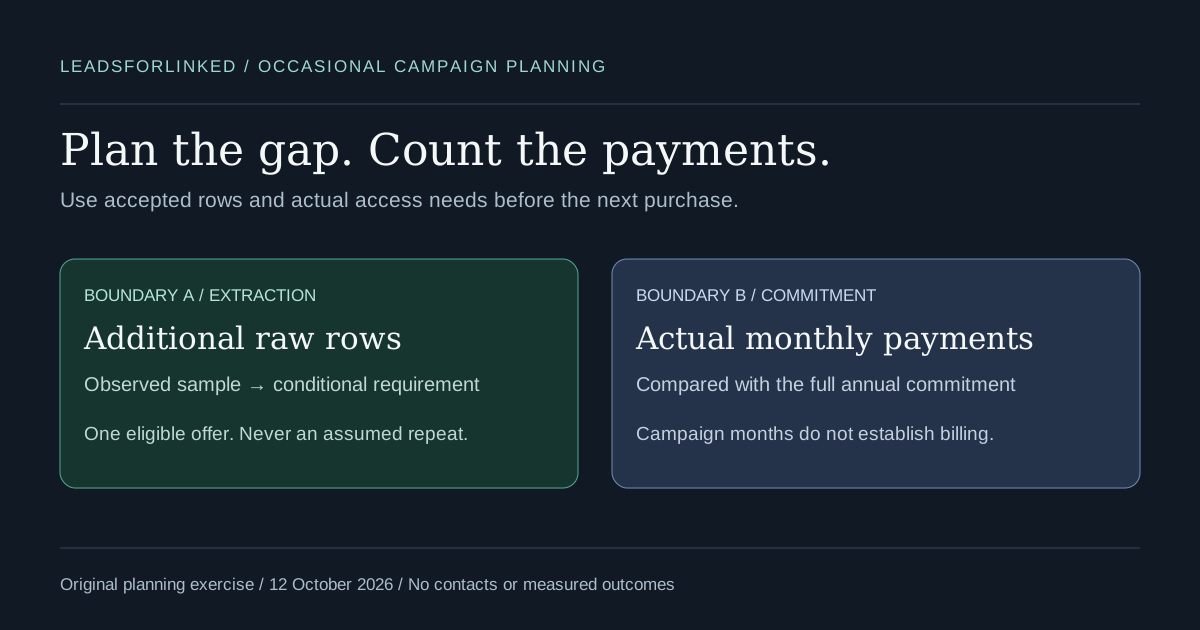
You need a reviewed LinkedIn audience for an occasional campaign, client project or recruiting brief. The immediate purchase question is how much additional extraction the job needs and how many payments the planned access requires. A small advertised unit price does not answer either question.
Start with the accepted audience you already have, then measure a sample from the source you actually intend to use. Compare a currently eligible one-time offer with the full subscription commitment. Keep sending software, email enrichment, verification and human review outside that extraction subtotal unless you deliberately add their actual costs.
Original decision exercise: this guide supplies a conditional scenario CSV generated with the existing local offer planner, a blank campaign worksheet and a reproducible one-credit pack boundary. The planning cases are fictional arithmetic examples created on 12 October 2026. They contain no contacts, customer results, measured conversion rates or assumed search demand.
Check whether another extraction purchase is needed
Honest concession: a native route may already supply the audience. If you only need your own first-degree connections, LinkedIn's connections archive is the appropriate starting point. It does not turn an arbitrary new People search into a downloadable audience, and connection email availability depends on members' sharing settings. The help page was checked on 12 October 2026.
If your team already uses a supported Sales Navigator Advanced Plus CRM setup, inspect LinkedIn's documented CRM route before adding a manual file step. That page, checked the same day, says Sales Navigator does not offer CSV/XLS lead-account export and documents supported CRM alternatives. A CRM or sender with the right reviewed records may also remove the immediate need for another sourcing batch.
Write down the missing work. Is it additional people from a selected source, fresh observations about people already accepted, or merely a different destination format? A larger extraction allowance addresses the first two only when the source and access are suitable. If you already possess the records, cleaning, mapping or joining the existing files can be the next useful step.
Define usable rows before comparing offers
The target is the audience that passes the brief, not the size of a search counter. For a client project, define the required roles, accounts and locations with the reviewer. For a recruiter, define the candidate criteria. Keep people who require identity or scope research in a held queue; do not count them as accepted just to make a pack appear sufficient.
Record the target usable count and the already approved count from the same brief. An old accepted list is useful only after you check whether it still meets the current rules and destination needs. Exclude existing contacts and suppression records using explicitly selected identifiers. A repeated name is not enough to establish a matching person.
Next, record the actual number of exported sample rows and the number accepted after those checks. Keep the original file, source scope, capture date, rejected and held reasons. Sample acceptance can change with the source, research rules or destination. A fraction measured on one audience is not automatically evidence for another client or territory.
A public-profile-shaped URL is not verified identity, visibility, email deliverability or permission to contact. A blank key, unresolved Sales Navigator identifier or conflicting profile group needs review. The local CSV workbench can help separate exclusions and identity conflicts, but its main merge download includes review rows. Read the warnings and resolve or deliberately withhold those rows before counting the deliverable.
Use your account's actual remaining credit balance after the sample and any adjustments. Do not add the advertised signup allowance again to a balance that already includes it. The planner accepts a balance you supply; it neither signs into your account nor checks billing. A purchase covers extraction access or allowance, not a promise that every resulting row will meet your brief.
Calculate the additional extraction requirement
The existing one-job versus repeat-extraction planner takes explicit whole-row inputs. Its local calculation is:
usable gap = max(0, target usable rows - already approved rows)
required raw rows = ceil(usable gap × sample exported rows / sample usable rows)
additional credit requirement = max(0, required raw rows - remaining credits)
The ceiling rounds up a partial raw row. The calculation assumes the next rows have the same usable fraction as the supplied sample, solely to express a scenario. It is not a forecast or an assurance that enough accessible profiles remain in the source. If the sample has no usable rows, fix the audience or output specification before treating more extraction as the solution.
Keep a reserve or a stricter acceptance rule explicit in your own job specification. Do not hide it inside a made-up fit percentage. If the required audience changes, enter a new target. If exclusions consume more of the next source batch, capture another sample and rerun the comparison rather than preserving a convenient earlier ratio.
Read the offer and the commitment together
Our public offers, checked 12 October 2026, list 100 free signup leads, no card, released in batches of 20; 500 leads for €1.99 as a limited one-time offer; and Basic unlimited scraping and CSV export at €4.99 monthly or €2.99 effective monthly billed yearly. The annual total used here is 12 × €2.99 = €35.88. Eligibility and the current account checkout still need checking.
The promotional offer can be a sensible fit for a bounded job when the additional credit requirement fits its allowance and the account is eligible. This exercise models at most one purchase of that offer. When it is unavailable or insufficient, inspect the current ordinary packs and Basic rather than multiply the promotional price by the number of batches.
Basic's published extraction features can be relevant even if your CRM or sender handles the campaign elsewhere. An extraction-only job does not require an outreach plan just because it repeats. Choose additional outreach features only when the job requires them; they are outside this focused comparison.
Download the original scenarios and blank worksheet
- Conditional scenarios: ten original planning cases
- Blank planning worksheet: four jobs with inputs, evidence and decision fields
- Scenario manifest: exact inputs, planner outputs, dated prices and limitations
The CSVs were authored and checked on 12 October 2026. They contain literal planning values, not spreadsheet formulas. The scenario file has eight valid calculations and two cases where incomplete or unusable sample evidence blocks a calculation. The blank worksheet leaves every input, eligibility and decision field empty; only its job identifiers are filled. It supplies no default acceptance fraction or automatic recommendation.
The scenarios are marked synthetic=TRUE and contact_payload=FALSE. Neither file contains a profile or email. They are not exports from a live account. Currency results in the scenario file use integer cents so the subscription arithmetic can be checked without hidden rounding. The manifest keeps the exact local planner return values, including invalid-input errors.
To reproduce a case, open the planner linked above and copy the selected scenario's target, approved count, sample counts, balance, paid-month count and eligibility choice into its corresponding fields. It runs local calculations; it does not upload a CSV or call an account API. Inspect the result and warnings rather than use the scenario file as a payment instruction.
A pack can fit the job and still miss the next row
In fictional case S02, the target is 560 accepted rows, 160 are already approved, and a 100-row sample contains 80 usable rows. The usable gap is 400. Applying that observed fraction as a scenario requires 500 raw rows. A zero current balance leaves 500 additional credits, so one eligible promotional offer covers the scenario exactly. It leaves no promotional allowance unused.
Case S03 deliberately changes the target to 561 and supplies one current credit. The remaining gap is 401; ceil(401 × 100 / 80) gives 502 raw rows. Subtracting that actual credit leaves 501 additional credits. One 500-credit offer is short by one credit. The planner reports insufficient rather than silently buying a second promotional offer or dropping a required audience row.
These examples demonstrate a boundary, not a recommendation to target that particular audience size. The target, sample and balances are fictional. Case S04 has the same numerical fit as S02 but unknown eligibility, so its purchase state stays unknown. Case S05 is ineligible. A favorable multiplication does not establish that the offer appears in an account's current checkout.
There are also jobs that need no additional credits under their assumptions. S01 uses an existing balance that covers the modeled raw-row requirement. S08 already has more approved rows than its target. Buying additional allowance is not supported by those job counts, even though the scenario table also shows subscription subtotals for comparison.
Count payments, not campaign launches
A campaign calendar and a billing calendar can differ. Write the access window, which monthly charges that window actually requires, and what happens at renewal. If campaigns span widely separated dates, do not equate those launches with isolated paid months unless the current account terms support that access plan. The worksheet asks for the basis of the payment horizon so the comparison can be reviewed.
Our published terms, checked 12 October 2026 and labeled 7 May 2026, say cancellation takes effect at the end of the current billing period, with no prorated partial-period refund, and prices may change with notice. They do not establish the future renewal or pause-and-reactivate outcome of a particular account. Confirm the actual billing period and current checkout before purchasing.
The planner compares the supplied number of monthly payments with the entire annual commitment, holding the checked prices constant only for that conditional arithmetic. It does not promise that next year's price stays unchanged or that an annual purchase can be reduced to the months in which you export. The number of rows in one campaign also does not establish how long access will be required.
| Actual monthly payments supplied | Monthly subtotal | Whole annual commitment | Lower subtotal under these assumptions |
|---|---|---|---|
| One | €4.99 | €35.88 | Monthly |
| Seven | €34.93 | €35.88 | Monthly by €0.95 |
| Eight | €39.92 | €35.88 | Annual by €4.04 |
| Twelve | €59.88 | €35.88 | Annual by €24.00 |
The lower subtotal is only one part of the decision. Cash commitment, confidence in repeated audience jobs, required access dates and account eligibility also matter. If the next campaign is uncertain, mark that uncertainty instead of count it as a confirmed payment. The supplied S06 and S07 cases make the seven-to-eight payment boundary reproducible; they do not assume seven or eight successful campaigns.
Leave a reviewable purchase decision
Complete the blank worksheet before checking out. Link the actual sample, acceptance specification, excluded and held records, price check and billing evidence. Enter the conditional raw-row gap from the planner and write why the selected allowance or access window addresses it. A reviewer should be able to reconstruct the choice without knowing the author's intended answer.
After a larger export, repeat the same review and compare the actual accepted result with the planning scenario. Keep any difference as an observation rather than erase the rejected rows. For a later campaign, use snapshot comparison and historical exclusions before calling additions net-new. For enrichment, join supplied results back to the original audience without treating an email field as verification.
Our Clay CSV handoff and downloadable n8n preparation workflow address destination preparation after the audience is accepted. They are manual file journeys, not a claimed native extraction integration. A destination that already supplies the required records may make those steps unnecessary.
A 2026 firsthand agency discussion, opened 12 October 2026, describes clients pausing work and greater uncertainty about continuing projects. That is adjacent evidence for recording commitment assumptions, not measured demand for this guide or evidence that it changes sales. No search volume, saved time or purchase outcome is claimed here.
Frequently asked questions
Does a 500-credit offer mean 500 usable prospects?
No. A purchased extraction allowance and an accepted audience are different counts. Measure the rows that pass your identity, audience, exclusion and destination checks. The planner uses the supplied sample fraction only as a scenario, not a promise about the next export.
Can I buy the promotional pack for every occasional campaign?
The current 500-lead offer is labeled one-time. Check account eligibility and current checkout. This planning exercise allows at most one eligible promotional purchase and does not assume a second purchase, another free account or future offer availability.
Should I enter campaign months or monthly payments?
Enter the actual monthly payments required for your planned extraction access after checking the billing terms. Separate campaign launches do not prove that access can be paused between them. The comparison does not promise cancellation, reactivation or unchanged renewal prices.
Is the yearly effective price a month-to-month payment?
No. The displayed effective monthly yearly price represents a full annual commitment. Compare that whole commitment with your actual monthly payment horizon. A short campaign does not prorate the annual option in this worksheet.
What happens when the sample or eligibility is unknown?
Missing or zero usable sample counts produce no extraction estimate in the planner. Unknown pack eligibility remains unknown even when the arithmetic would fit the pack. Collect the missing evidence before making the purchase decision.