Compare the channel and the required data
Lusha and Waalaxy can both help a team find people and run parts of outreach. The decision depends on which channel must work, what contact data it requires and where the relationship belongs. A reader buying an email sequence has a different requirement from a reader needing LinkedIn invitations, an inbox or a Kanban pipeline. A phone requirement introduces another data and calling job.
Begin with an actual audience and a written receiving requirement. Identify which existing route supplies the people, which supplies the mandatory contact values, and which owns sending and replies. An available email is not automatically evidence accepted by your team; record the status, source and review rule. Preserve an adequate existing stack before paying to recreate the same work.
Lusha covers more than one-profile reveal
The current Lusha Prospecting guide describes a searchable person/company Workspace, filters, bulk reveals, Tables and exports. This can supply a database-oriented list as well as contact data for a profile being reviewed. Coverage still needs inspection against your intended companies and roles; a database match is not proof that every required member is present.
Lusha Engage adds native email sequences and AI email drafting. Lusha advertises Engage for users without an additional Engage charge, with Gmail or Outlook required for sending. Keep this route when it meets the email job. Its existence does not establish LinkedIn invitation automation or autonomous LinkedIn replies; those are separate requirements rather than reasons to pretend Lusha has no sequencing.
Lusha also documents native CRM exports, with a separate one-credit charge per changed row at export, beyond the original reveal cost. Rows already matching the CRM are not charged; destination-dependent batch settings still apply. Confirm integration access, duplicate handling, ownership and the actual field mapping. A CSV export and a native connector are different handoff mechanisms; choose the one that fits the receiving system of record.
Waalaxy combines native sources with LinkedIn sequences
Waalaxy’s cloud import documentation includes standard LinkedIn searches, connections, single profiles, joined groups and event attendees. Its post-import route handles reactors and commenters as separate imports. A source that already reaches the selected people may finish the audience-input job without another extractor.
Waalaxy’s core sending workflow uses LinkedIn sequences. Its Business route also supports email campaigns, while Email Finder is a distinct enrichment operation. The outcome of a search for a professional email should be checked; do not infer a fixed number of usable addresses from a raw profile allowance. CSV exports preserve available fields, and absent data may remain blank.
Switching the sender requires more than moving rows. Retain active conversation context and decide who handles replies. If Waalaxy already supplies the required LinkedIn workflow, preserve it. If an external CRM remains the authoritative record, keep that ownership and examine any proposed connector separately.
Map the requirement to a documented route
| Required job | Lusha | Waalaxy | Leadsforlinked |
|---|---|---|---|
| Contact/company research | Workspace/database and bulk reveal | Native LinkedIn source imports | Published profile sources, audiences and CSV |
| Email values | Email reveal and enrichment | Separate Email Finder work | No verified-email parity established by profile input |
| Phone values | Phone reveal with its own meter | Inspect actual available fields | No phone-data replacement established |
| Email sequences | Native Engage; sender prerequisite applies | Business email/multichannel workflow | Do not infer native email sending from LinkedIn campaigns |
| LinkedIn campaign/inbox | Do not infer from email sequencing | LinkedIn sequence workspace | Starter adds campaigns/inbox/Kanban/analytics |
| AI and monitoring | Documented email drafting; other jobs reviewed separately | Check the required operation in its selected plan | Specified LinkedIn AI jobs on Pro; Radar/Post Spy on Plus |
A combined workflow can retain Lusha contact data and Engage for email while using an appropriate LinkedIn workspace for another channel. The goal is complete required coverage with clear ownership. Reducing a tool count does not justify losing mandatory fields or a working native sequence.
Compare units and commitments without inventing a yield
Lusha pricing lists email reveal at one credit and phone reveal at five. Its Free reference is up to forty credits monthly. Monthly unused credits can accumulate to twice the plan allowance while subscribed; annual credits arrive upfront and the unused balance resets at the cycle’s end. This directly changes the old “everything resets each month” comparison.
Keep reveal, CRM-export and any other operation separate. Record the selected seat count, volume, currency and billing period in the quote. A plan display is not a complete price for an unknown workload, and a contact-data unit is not an accepted-person unit. Do not calculate a cost per verified contact using an unspecified hit rate.
Waalaxy’s price display uses term selectors. Its current plans documentation describes Freemium without automation, and Business email sending and trial renewal conditions. The discounted display and standard monthly renewal reference require period confirmation. A trial for that product is not evidence that Leadsforlinked’s free profile sample unlocks its own paid suite.
Map the channels your buyer job needs
Select the work actually required, then record which existing routes cover it. Leave unchecked facts unresolved. This local planner produces a purchase-review brief from your inputs.
Entered facts stay reader-declared. The download preserves your selections and notes, including unknowns; it does not supply contact values or execute a campaign.
Download the blank channel and quote worksheet. The local brief keeps email, phone and LinkedIn jobs separate. When all required native jobs are covered, it retains them. When contact evidence is missing, it records that gap rather than recommending more raw profiles as the answer.
Choose the remaining job and its owner
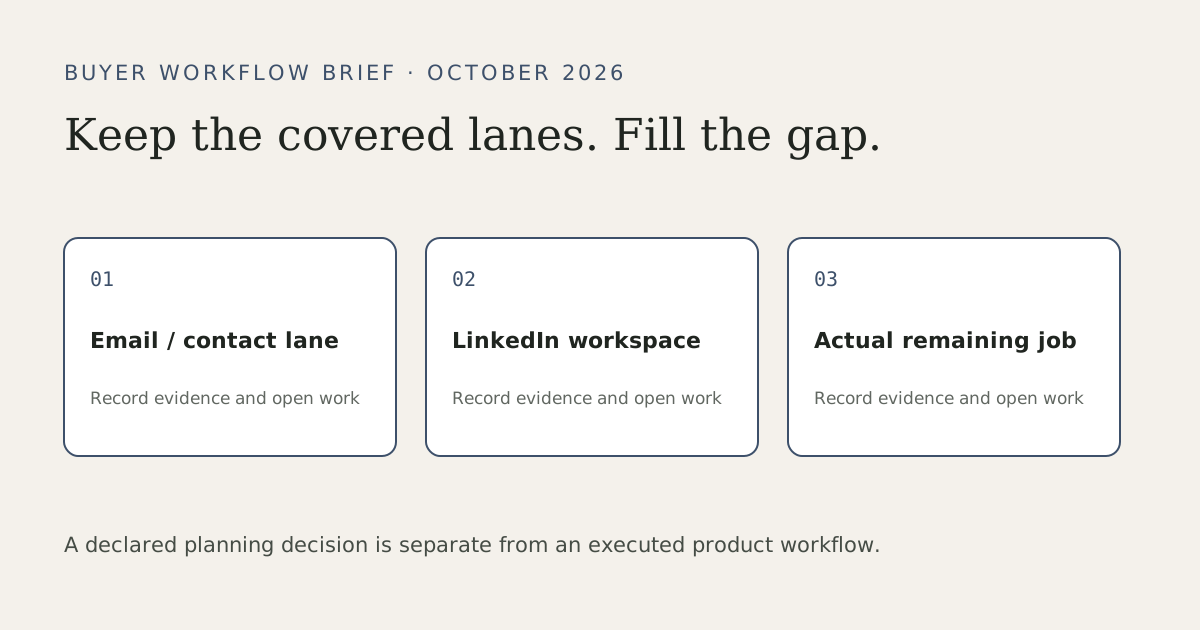
Keep Lusha when its current contact data, Workspace and native email route meet the requirements. Keep Waalaxy when the LinkedIn source and sequence already fit. For a mixed-channel job, retain the adequate lanes and identify the genuinely missing part. Avoid an automatic export-and-import detour if a native route finishes the work.
If the missing part is a LinkedIn inbox or pipeline, evaluate that workflow directly. If it is external CRM synchronization, confirm a supported connector rather than substitute a Kanban board. If it is AI email drafting already covered by Engage, that does not by itself establish a need for a LinkedIn AI plan. Monitoring email engagement is also different from Radar or competitor-post monitoring.
Choose the Leadsforlinked job and plan
Leadsforlinked publishes a platform for finding people, reaching them, managing conversations and automating selected work. Basic at €4.99 monthly covers extraction, CSV and audiences. Starter at €29 monthly adds one connected LinkedIn account, multi-step campaigns, inbox, Kanban and analytics. Diamond Pro at €79 adds scheduled sourcing, scoring, AI Hunter and AI Responder. Diamond Plus at €149 adds Signal Radar, Post Spy and three connected accounts, inheriting the earlier features.
A ready buyer can review the published plans and use the existing signup/billing route directly. Free sample consumption and a pack purchase are optional. Choose the missing job before comparing subscriptions: an external CRM connector requirement is different from a LinkedIn Kanban, and AI email drafting is different from LinkedIn sourcing or reply handling.
When an existing native source cannot provide the required profile audience, the free entry offers 100 signup profile leads, no card, released in batches of 20. Verify the account, select the supported source, inspect the first released batch and export from the app audience. Review actual identities, current role/company fit, suppression and the columns the receiver needs. Count the remaining accepted-profile job before buying more extraction. That sample evaluates source data; paid campaign and AI features have their own plan gates.
Check the facts against the current product
The official sources above were retrieved on 13 October 2026. They substantiate published capabilities and billing mechanics; they do not provide a benchmark for your data, sending results or time to value. Exact adjustable paid Lusha quotes remain subject to the selected configuration.
A 2026 comparison-buyer question reports that recycled automation articles conflict with the products being evaluated. Use that as a reason to record the actual job, current source and unresolved assumptions. One discussion cannot establish which vendor converts best or a safe action quota.
Frequently asked questions
Is Lusha only a one-profile contact lookup tool?
No. Its current documentation covers a searchable Workspace, bulk reveals, Tables and exports. Engage also supplies native email sequences and AI email drafting; LinkedIn sending is a separate requirement.
Do Lusha credits always disappear at the end of each month?
Its current pricing says monthly unused credits can roll over to twice the allowance while subscribed. Annual credits are supplied upfront and the unused balance resets at the annual cycle’s end. Check the selected plan and operation.
Can I keep Lusha while choosing a LinkedIn workspace?
Yes, when its contact data or email sequence already fits. Retain the adequate lane and choose a separate workspace only for the actual missing LinkedIn campaign, inbox, pipeline or automation job.
Which Leadsforlinked plan fits a missing LinkedIn workflow?
Starter publishes one-account campaigns, inbox, Kanban and analytics at €29 monthly. Pro adds specified LinkedIn AI and scheduled sourcing at €79; Plus adds Radar/Post Spy and three accounts at €149. These are published plan fits, not executed feature tests.
Does a free profile sample prove the full platform works for my job?
It evaluates actual profile input and receiving fields. The 100 signup profile leads, no card, in batches of 20 do not unlock or demonstrate paid campaigns, CRM or AI. Ready buyers can use the current pricing/signup route without a compulsory pack.