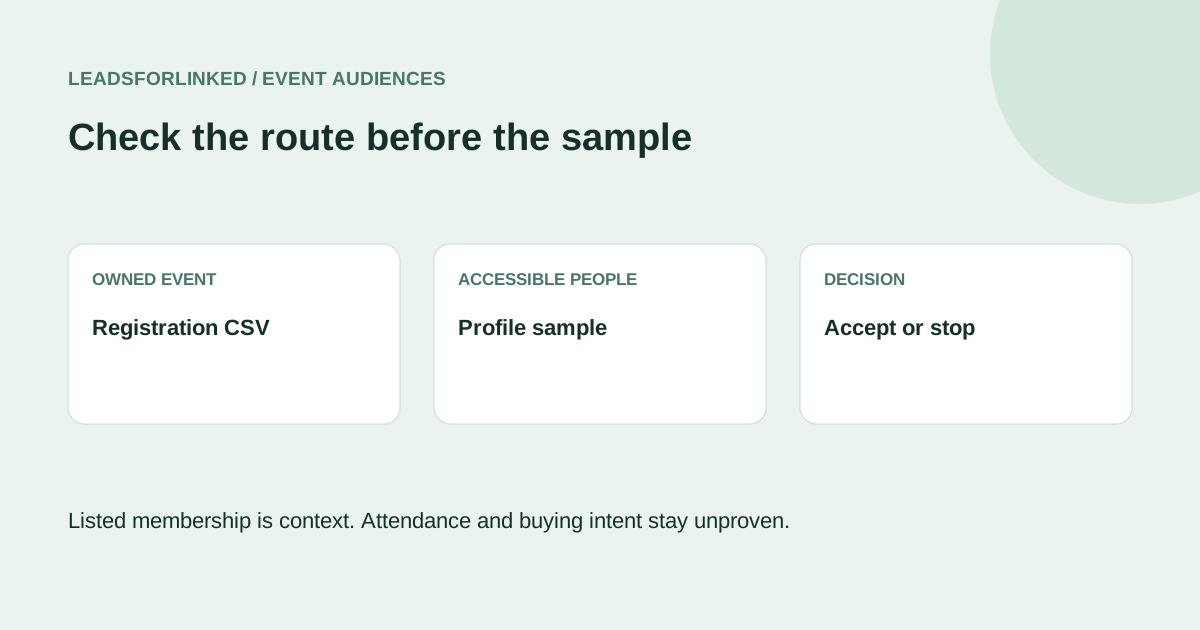
This page covers the first event export decision: identify the right route, inspect an accessible people view, and check a small profile sample. For a multi-event audience with role decisions, CRM exclusion and an accepted handoff, use the full event audience production guide and its fictional replay files.
Choose the organizer or profile route
For your own Page event with a registration form, inspect LinkedIn's documented registration download first. It concerns information submitted to the organizer; it is a different dataset from accessible event profiles. Registration coverage can be incomplete if the form was added later. Preserve consent and form context. A suitable native CSV completes the owned registration job without another extractor.
A listed profile or RSVP does not prove actual attendance, a current buying need or permission for promotional contact. Replace statements such as “you attended” with the observation you actually have, and only use that context when relevant. Event size and timing alone do not qualify a person.
Check access and a sample before a larger job
- Define the people needed. Write the required responsibility, employer type, geography and profile identity. Separate useful professional-topic context from fit for this particular job.
- Open the relevant event in your account. Inspect the attendee view available to you. Visibility may depend on the event and your account; neither registration nor an attendee count guarantees complete access. Record the event URL, event date and capture date.
- Check the current supported source. Leadsforlinked publishes event attendees among its profile sources. Inspect the source available in your installed product and test a small accessible sample. Exact controls, complete pagination and production headers were not verified for this article.
- Inspect the actual CSV. Require usable profile identities and the role or employer context your decision needs. Keep the original unchanged; add your own event context in a working copy. Missing values need review. Do not rewrite an opaque Sales Navigator identifier into a public profile URL.
- Accept or stop. Continue only if the source and sample support the job. If access, identities or context are insufficient, correct the mapping, choose another supported source or stop. Use the full guide before combining several captures or sending a larger accepted audience to a CRM.
When you already use an outreach or automation stack, check its native event input before buying another export. The full guide compares documented HeyReach, Dripify and PhantomBuster routes. External CSV review matters when it supplies a required portable subset, preserved event context or exclusions beyond the immediate input job.
Keep the sample gate honest
There is no guaranteed time to export an event, universal safe quota or forecast of qualified people in this workflow. Past-event lists are not automatically complete or final. The free test checks supported access and actual fields; it does not verify emails, purchase intent, attendance or communication permission.
LinkedIn's policy prohibits scraping and unauthorized automation and describes account risk. Public visibility does not establish GDPR compliance. No access bypass or restriction-free method is promised. Use the organizer's native route where it meets the job, and separately review the requirements that apply to subsequent communication.
Public offer checked 13 October 2026: 100 free signup profile leads, no card, released in batches of 20, with CSV export. Review your sample before spending on a larger extraction job. The full guide explains the current conditional pack and subscription offers; account eligibility and checkout were not tested.
Frequently asked questions
Do I have to register to see every attendee?
Check the attendee view available to your account and event. Registration does not guarantee complete visibility. Use only accessible people and record partial coverage; do not bypass access controls.
Can I use the same workflow for a past event?
Only if its relevant people remain accessible to your account and the supported source works on your actual sample. Record the event and capture dates. Do not infer that a past event list is complete or final.
Is the export ready for an outreach campaign?
No. Review identity, role, employer, event context and supplied CRM exclusions first. Separately assess communication permission and destination requirements; a visible profile is not consent.